
Nothing breaks loudly. That’s what makes this hard to catch. The reports still generate on schedule. Invoices still post. Nobody gets an error message. The numbers just slowly stop matching what you see with your own eyes on the floor, and one day you notice your GM hasn’t opened the variance report in six weeks.
She’s not being difficult. She stopped trusting it, and she didn’t tell you because she couldn’t explain why.
7 Signs Your R365 Build Has Drifted
Restaurant365 doesn’t fail all at once. It degrades — as new menu items go in uncosted, vendors change SKUs, and managers turn over. Most operators notice roughly six months after the accuracy is actually gone.
That lag is the expensive part. You’re making pricing and purchasing decisions off numbers that stopped being true in the spring.
Here’s what drift looks like from the inside.
1. New menu items are live but never costed
You ran a special in March. It stayed on. Nobody ever built the recipe in the system, so it’s selling every night with a cost of zero attached to it.
Multiply that by two seasonal menu changes and a handful of LTOs and you’ve got a meaningful chunk of your sales mix producing revenue with no matching cost. Your theoretical food cost quietly falls, your variance quietly widens, and the report starts blaming your kitchen for a gap that’s really a data hole.
2. Inventory variance keeps widening and nobody can explain why
A little variance is normal. A trend is not. When the gap between theoretical and actual grows month over month without a corresponding change in the operation, something structural is wrong — usually recipes, yields, or unit conversions that no longer match reality.
The tell is that nobody can point at a cause. If your chef can walk you through where the variance comes from, you have an operations conversation. If everyone shrugs, you have a data conversation.
3. Your managers export to Excel instead of using the reports
This is the loudest quiet signal there is. When a system is trusted, people work inside it. When it isn’t, they rebuild what they need by hand.
Watch what your team actually uses on a Monday morning. If there’s a parallel spreadsheet economy running alongside your R365 subscription, the system has already lost, and you’re paying twice for the same information.
4. Period close takes longer every month
Close should get faster as people learn the system. If yours is creeping in the other direction, it’s usually because someone’s spending the extra hours correcting things by hand — reclassifying miscoded invoices, fixing unmapped items, reconciling counts that don’t tie out.
That manual correction work is invisible on your P&L and very visible in your controller’s or bookkeeper’s hours. It also means the same errors are being fixed downstream every single period instead of once at the source.
5. Vendor items show up as duplicates or unmapped
Your produce vendor changes a SKU. Your protein vendor renames a case. Somebody adds a new item on the fly during a busy week because the invoice wouldn’t post otherwise.
Do that for a year and one ingredient exists in your item master three or four times, each with different pricing and different units. Purchasing reports fragment. Recipes point at whichever version was current when they were built. This is drift in its purest form — nobody did anything wrong, and the system is now wrong anyway.
6. The person who knew the system left
Every restaurant that runs R365 well has one person who really understands it. When that person leaves and in this industry, they eventually do, the knowledge walks out with them.
The replacement inherits a system nobody can explain. They use the 30% of it they can figure out and work around the rest. Six months later, that’s the new normal.
7. You’re paying for modules nobody opens
Scheduling, AP automation, catering, whatever’s on your plan. If a module went unconfigured at implementation and nobody’s touched it since, you’re carrying cost for capability you’re not getting.
Usually this isn’t a licensing problem. It’s an unfinished setup that never got revisited, and it’s the easiest money on this whole list to recover.
What R365’s Included Support Covers & Where It Stops
This is the objection we hear most: we already pay for Restaurant365, isn’t support included?
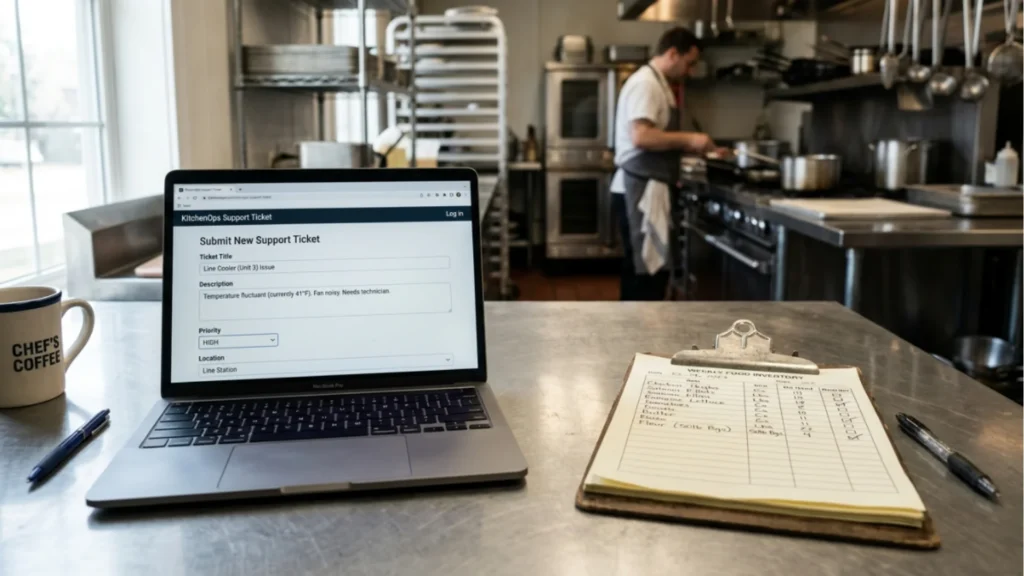
Yes. And it’s good at what it does. It’s just solving a different problem than the one you probably have.
What to send to R365’s help desk
Product support answers how do I do this in the software. Where’s the setting. Why won’t this report run. How do I add a user. Is this a bug. There’s documentation, there’s a ticket queue, and for those questions it’s the right first call.
Use it for anything that’s genuinely about the platform’s behavior. That’s what it’s built for, and there’s no reason to pay anyone else for it.
What needs an operator who’s worked a shift
Product support does not answer why is my COGS wrong. It doesn’t maintain your item master, rebuild your recipes when the menu changes, or catch a bad vendor mapping before period close. It doesn’t retrain the GM you hired last month, and it can’t tell you whether a 4-point variance is a data issue or a portioning issue, because that answer depends on your restaurant, not the software.
Those are operational questions. They need someone who understands both the system and what happens on a Saturday at 7:30. That’s a different service, and most operators don’t know it exists as an option, so they either live with bad numbers or try to absorb the work into a team that’s already stretched.
If your build was never fully finished in the first place, that’s a separate fix. A rushed implementation produces problems that no amount of ongoing maintenance can clean up, because the errors are in the foundation.
What ongoing support should actually include
Maintenance isn’t a vague retainer. It’s a specific, repeatable set of work that keeps the system telling the truth.
The monthly maintenance nobody has time for
Item master hygiene — merging duplicates, correcting units, mapping new vendor items as they appear rather than in a panic at close. Recipe updates whenever the menu changes, including yields, not just ingredients. Vendor price syncing so your costed recipes reflect this month’s market instead of last year’s.

None of this is complicated. It’s just relentless, and it’s always the first thing to get dropped when service gets busy. Which is exactly why it needs an owner outside the four walls. If the recipe library has fallen far enough behind, rebuilding recipe costing is the right reset before ongoing maintenance means anything.
The period-close checkpoint
Someone reviewing the close before it’s final. Checking that invoices landed in the right period, that variance is within range, that nothing’s unmapped, that the numbers hold up.
Catching a problem during close costs a phone call. Catching it three periods later means every decision you made in between was based on a number that was wrong. If your item master or COGS setup has already drifted past the point of routine upkeep, data cleanup and COGS repair gets you back to a trustworthy baseline first.
Training the next manager, not just this one
Turnover isn’t an exception in this business, it’s the operating condition. Support that only trained your team once isn’t support — it’s a one-time service with an expiration date you can’t predict.
Ongoing manager training and onboarding means every new GM gets brought up properly, using your system and your menu, so the standard survives the staffing.
Check Your R365 Health
The frustrating part about R365 drift is that it doesn’t look like a failure. Your system is running. Your subscription is current. It’s just producing numbers that stopped being reliable a while back, and the only real symptom is that your team quietly went back to spreadsheets.
If more than two or three of those seven signs sound familiar, the software isn’t the problem and neither is your crew. The build needs maintenance, and someone whose job it is to do it, every period, without needing to be reminded.
Not sure how far your build has drifted? Get an R365 health check from Restaurant Smith. We’ll tell you exactly what’s off, what it’s costing you, and what it takes to get your numbers trustworthy again.
Meta title: 7 Signs Your Restaurant Needs Ongoing R365 Support
Meta description: R365 builds degrade quietly, uncosted items, drifting variance, managers back on spreadsheets. Here are 7 signs yours needs ongoing operational support.
